
To play Verity Mod, install the verified Verity JE JAR in a Minecraft Java 1.20.1 Forge profile, create a new test world, confirm the companion and basic events load, then configure Groq or Ollama for text replies. Voice and multiplayer are optional layers: test them only after the solo text path works.
Start with the installation guideWhat you need before starting
The gameplay question begins after the file is in place, but a few checks determine whether the first launch can teach you anything. Use Minecraft Java 1.20.1 with Forge, keep one verified Verity JE JAR in the active mods folder and make a backup of any world you care about. The current project release is a beta, so a disposable test world is more useful than risking a long-running survival save.
If you have not installed the mod yet, follow the Verity installation guide first. That page owns the download, Forge and JAR-placement intent. This guide owns the next decision: what to do once Minecraft opens and how to tell a game-side problem from an AI, microphone or server problem. Keep the version tracker nearby when a friend or server requires a specific file.
- Minecraft Java Edition 1.20.1 with a Forge profile that launches successfully.
- Exactly one Verity JE JAR in the active mods folder; do not rename it or mix beta builds.
- A new local test world and a backup outside the launcher instance.
- A working keyboard, stable game audio and enough memory for the rest of your mod list.
- Groq or Ollama only when you are ready to test conversation; an API key should remain private.

Start a clean Java 1.20.1 Forge test world
Launch the dedicated Forge profile and wait until the title screen appears without a crash or a duplicate-mod warning. Open the Mods list and confirm Verity is present before you spend time configuring an AI provider. If the mod is missing, stop there: voice settings cannot repair a wrong loader, an incorrect folder or a mismatched JAR.
Create a new world with a simple seed and leave other experimental horror mods disabled for the first run. The goal is not to discover every surprise immediately; it is to establish a known-good baseline. Walk for a minute, check the HUD and audio, and note whether the arrival or companion behavior appears. If you later add shaders, resource packs or extra mods, add them one at a time so you can identify which change caused a different result.
- 1
Launch the Forge profile
Use the same Minecraft and Forge versions recorded by the published Verity JE release. A different game branch is a compatibility question, not a gameplay setting.
- 2
Open the Mods list
Confirm Verity is loaded before testing Groq, Ollama, microphone permissions or voice output.
- 3
Create a disposable world
Keep important saves closed until the first session has loaded and you have checked the mod behavior.
- 4
Record the baseline
Write down the loader, Verity file name, other mods and the first symptom if the expected companion or event does not appear.
Use the Verity companion in the first session
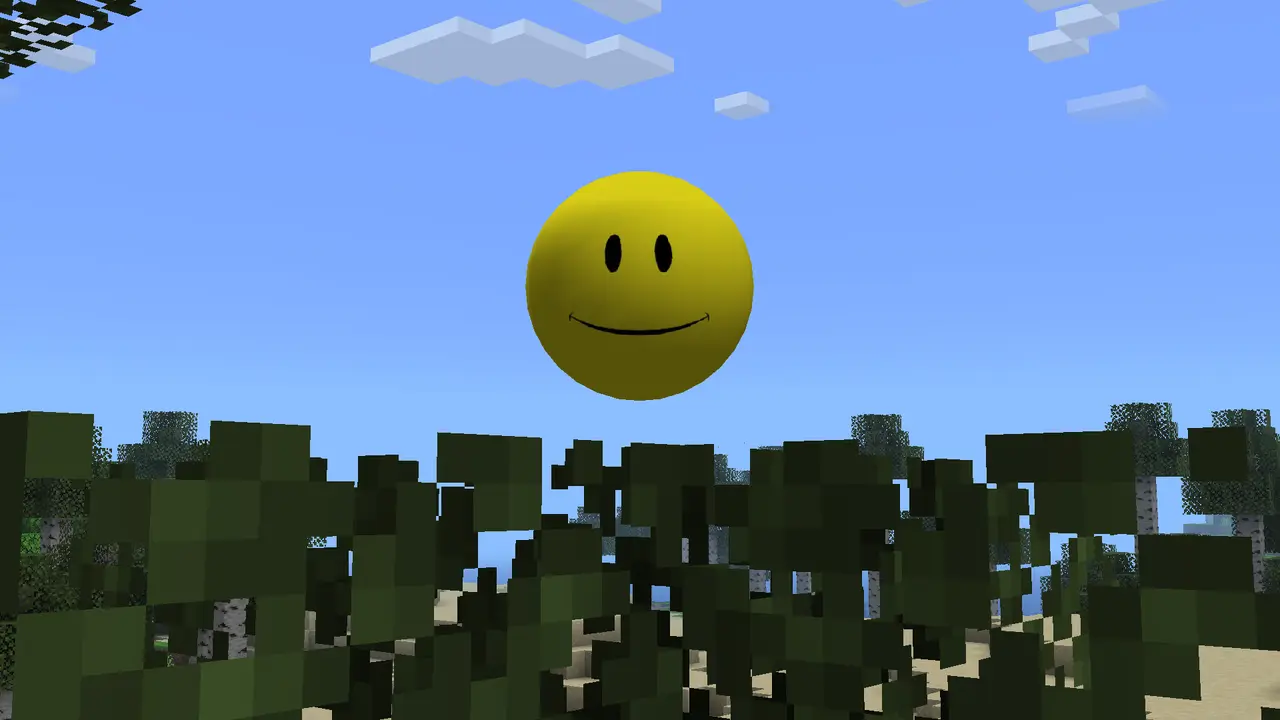
The first play loop is deliberately small: load the world, observe the companion and try a basic text interaction if the AI backend is ready. Treat the companion as a mod feature with a separate network dependency, not as proof that every video scene will happen on demand. The project can load its entities and atmosphere even when a provider is offline, and a provider can answer text while voice remains unavailable.
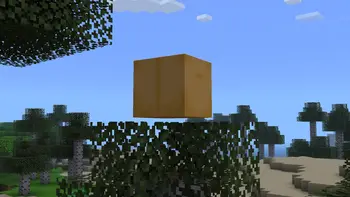
Give the game time to finish loading before you change several settings. Look for the companion, the animated box and the normal world response first. Then ask one short, harmless question and record whether the reply arrives, whether the game log reports an error and whether the issue repeats after a restart. Avoid pasting private tokens into chat, screenshots or shared logs.
For the broader feature boundary, read what Verity Mod is. It explains the AI companion, scripted atmosphere and horror elements without treating edited videos or custom prompts as guaranteed commands. Your first session should be a controlled test of the published build, not a promise that every dramatic clip can be reproduced.
- Confirm Verity loads before judging the AI response.
- Use one short text prompt before trying long conversations or unusual commands.
- Keep the test world backed up and close Minecraft before changing the active JAR.
- Separate documented features from scenes that may use editing, roleplay or extra mods.
Connect text AI before trying voice
Conversation needs an AI path. Groq is the online route and depends on network access plus a private provider credential. Ollama is the local route and depends on the service, model, port and available hardware. Pick one provider, confirm that it responds to a simple text request and only then move to speech recognition or text-to-speech. This order keeps four different failure layers from looking like one broken mod.
If the text request fails, check the provider address, model name, firewall and log message before changing microphone settings. If text works but speech is silent, continue with the dedicated Verity TTS and microphone guide. If the client crashes or reports an API connection error, use the troubleshooting guide and preserve the exact version, loader and redacted error details.
| Layer | What success looks like | First check |
|---|---|---|
| Mod loading | Verity appears in the Mods list and the world opens | Minecraft, Forge and one JAR |
| Text AI | A short text request receives a reply | Groq/Ollama service, model and credential |
| Microphone | The chosen input device captures speech | OS permission and input level |
| Spoken output | A reply is audible through the chosen device | TTS provider, volume and audio route |
Never publish an API key in a bug report or a multiplayer modpack. Redact credentials and keep the first provider test inside a private local world.
Understand horror events and the Verity Demon
Verity JE presents the companion inside a horror-oriented Minecraft experience. Darkness, scripted changes, the animated box and the Verity Demon belong to the feature boundary described by the project, but their timing and exact trigger may depend on the release, settings and world state. Do not treat a thumbnail or edited video as a universal command list.
The practical way to explore the horror side is to use a fresh world, keep backups and make one change at a time. If an event changes the atmosphere or damages the play session, close the game and inspect the version and logs before opening a valuable save again. The goal is to understand the behavior without confusing a mod event with a computer-security warning: an external installer, credential request or administrator prompt is not a normal reason to continue.
Questions about the entity itself belong partly in the overview guide. This page keeps the gameplay boundary simple: load the verified Java project, observe the documented systems, test the AI layer separately and record which behavior came from the current release. If a future version changes the encounter, the version tracker should be the first place to check.

Add multiplayer only after solo testing
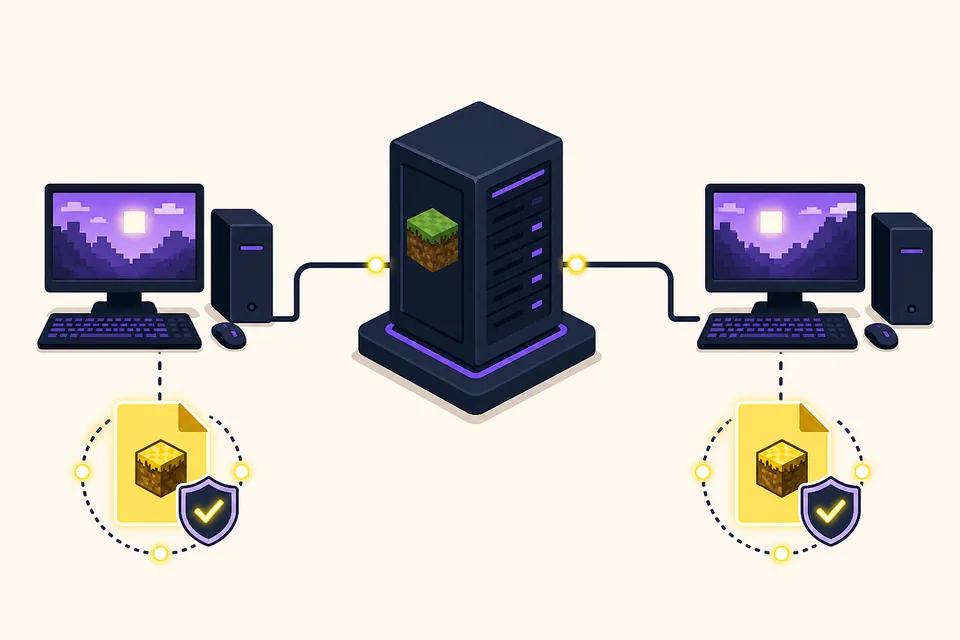
A solo test tells you whether the JAR, Forge profile and AI provider work before networking adds another variable. Once the basic text path is stable, match the server and every client to the same Minecraft branch, Forge environment and Verity JE release. Do not assume that a working single-player world proves an Aternos library entry or a custom server accepts the same file.
Use the multiplayer setup guide for the server/client boundary and the Aternos guide for managed-host checks. Keep private AI credentials out of shared configuration, and ask every player to test the clean profile before adding unrelated mods. If a connection fails, stop changing voice and prompts until the server handshake and mod list match.
- 1
Share the exact build
Give players the published version number, Minecraft version, Forge version and file name instead of a renamed download.
- 2
Test the server with a clean profile
Join with only the required mod set so a missing dependency or duplicate JAR is visible.
- 3
Keep AI configuration deliberate
Decide whether the provider runs per client or through a documented server design; never share secrets in chat.
- 4
Add extras after the handshake
Shaders, resource packs and voice changes should come after the basic multiplayer path is repeatable.
First-session checklist and common mistakes
Before you call the first session successful, close and reopen the profile once. Confirm the same JAR loads, the world is backed up and a short text exchange still works. Keep a small note with the release, Forge version, provider choice and any warning. That record is more useful than a screenshot with no version context when you later update or join friends.
The most common mistake is trying to solve every layer at once: replacing the JAR, changing the loader, enabling voice, adding a shader and joining a server in one attempt. Roll back to the clean test world, restore the last known-good file and change one variable. For platform questions, remember that the verified file is a Java Forge JAR; a Bedrock listing needs separate source and package evidence, so use the Bedrock status guide instead of renaming the Java file.
Once the basic loop is repeatable, you can explore longer conversations, voice, horror events and multiplayer in that order. If the project publishes a newer release, compare the file and compatibility facts on the version page, back up the world and retest before replacing the working profile.
- One JAR, one Minecraft 1.20.1 Forge profile and a new test world.
- Mod loading confirmed before AI configuration.
- Text response confirmed before microphone or TTS testing.
- Solo behavior confirmed before server or Aternos testing.
- Credentials redacted and world backup verified before experiments.
If the page you need is about downloading, installing, TTS, Bedrock, versions or multiplayer details, follow the specialist guide linked above instead of widening this first-session page until it duplicates another intent.
How to Play Verity Mod FAQ
Can I play Verity Mod on Minecraft Bedrock?
This guide covers the verified Verity JE Java Forge path for Minecraft 1.20.1. A Bedrock listing is a separate package and project-identity question; check the Bedrock status guide instead of renaming the Java JAR.
Do I need Groq or Ollama to start playing?
You can first confirm that the mod loads in a clean world. Groq or Ollama is needed for the conversational AI layer, while voice adds another microphone and TTS dependency.
Should I test voice before text chat?
No. Test a short text request first. If text works, follow the voice guide for microphone permissions, speech recognition, TTS and audio routing.
Can I play Verity Mod with friends immediately?
Test the solo Java profile first, then match the server, clients, Minecraft branch, Forge environment and Verity version. The multiplayer guide covers the server and host-specific boundary.
Will every Verity video event happen in my world?
Not necessarily. Videos may use a particular release, settings, prompts, editing or extra mods. Use the published project description and your installed version as the feature boundary.
What should I do if Verity does not appear?
Check Minecraft Java 1.20.1, Forge, the active profile, the mods folder and the exact JAR before touching AI or voice settings. Then use the troubleshooting guide with a redacted log.
Is this page an official Verity Mod manual?
No. Verity Mods Wiki is an independent guide. The page links to the project source and labels the generated first-session illustration as a concept image rather than an official screenshot.
Sources and verification
Product facts on this page were checked on July 19, 2026. Verity Mods Wiki is independent and does not claim ownership of Verity JE or Minecraft.