
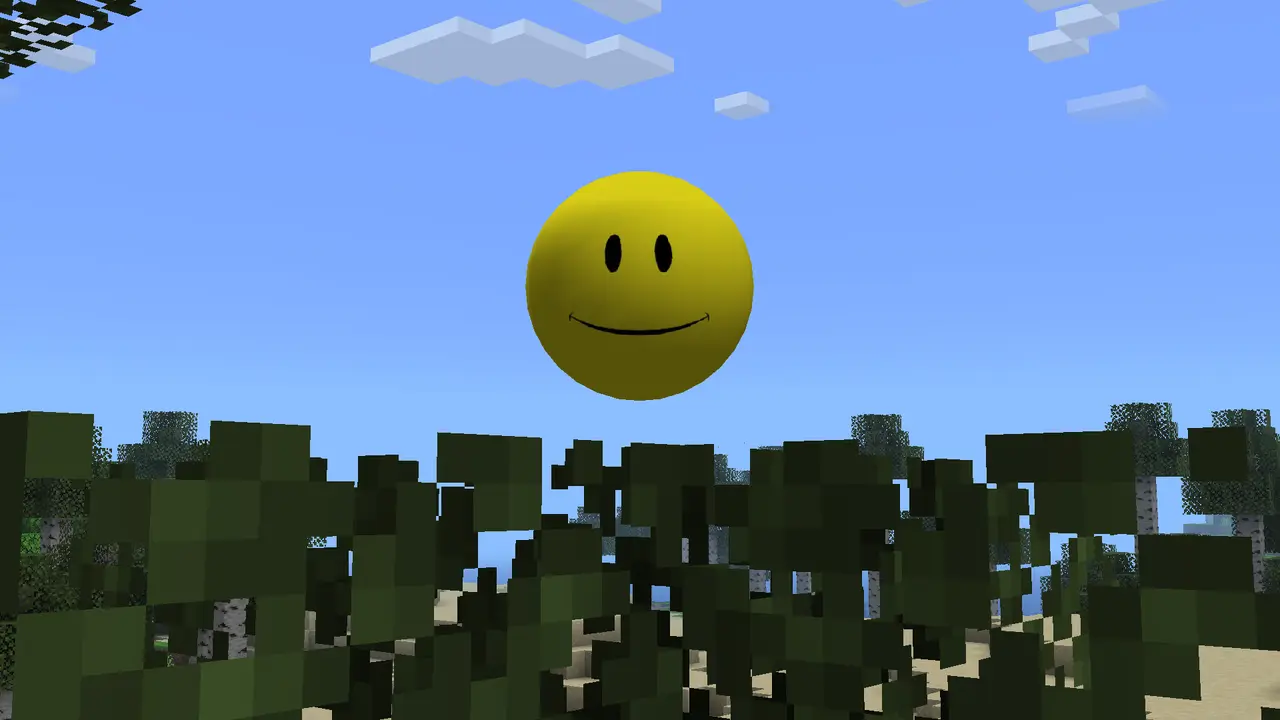
For Verity TTS to work, version v6.0.0-beta.7 must load in Minecraft Java 1.20.1 with Forge, then either the online Groq path or the local Ollama path must be configured. Test text chat before microphone input, and test the AI reply before troubleshooting speakers. A silent companion is not always a broken mod file.
Get verified Verity JE version v6.0.0-beta.7How Verity TTS actually works
Verity voice is a chain rather than one switch. Your microphone first supplies audio, speech recognition turns that audio into text, the configured AI service creates a reply, and text-to-speech converts the reply into sound. Minecraft, Java, the mod, the AI service and the operating system can each succeed or fail independently.
Start with the simplest observable signal. Confirm Verity JE appears in the loaded mod list, open a disposable test world, and check whether typed interaction produces a response. If typed chat fails, changing microphones or speakers will not solve the underlying AI connection. If text works but voice input does not, focus on microphone permission and the selected input device. If a text reply appears but no sound plays, focus on output routing and TTS.
| Stage | Expected result | If it fails |
|---|---|---|
| Mod load | Verity appears in Minecraft | Check Forge 1.20.1 and the JAR |
| AI connection | Typed prompt receives a reply | Check Groq key or Ollama service |
| Speech input | Spoken words become text | Check mic permission and device |
| TTS output | Reply is spoken | Check output device and volume |
Choose Groq online or Ollama local
The project documents two setup directions. Groq is the online route: it is generally lighter on your computer, but it needs a working internet connection and a valid API credential. Ollama is the local route: it keeps inference on your machine, but it requires a compatible local model, enough memory and a background service that Verity can reach.
Do not configure both paths at the same time during the first test. Pick one route, finish it, restart the game and record the result. Mixing an expired online key with a half-configured local service makes error messages harder to interpret. Never paste an API key into a public server chat, screenshot, crash report or support post.
- Use Groq when you want the fastest setup and accept an online service.
- Use Ollama when local processing matters and your computer can run the selected model.
- Keep credentials outside screenshots and public logs.
- Restart Minecraft after changing the active provider or configuration.
The verified version check for this guide found Verity JE version v6.0.0-beta.7, published August 19, 2026. The direct download CTA on this site points to the Modrinth CDN file verity-6.0.0-beta.7.jar; provider setup is a separate step.
Set up the microphone in the right order
Before opening Minecraft, use the operating system sound settings to confirm the intended microphone moves the input level meter. On Windows, also check that desktop applications are allowed to use the microphone. Headsets, webcams, virtual cables and game-streaming tools can silently become the default device after an update or reconnect.
Launch Verity with only the required mod environment while testing. Speak a short sentence in a quiet room and watch for any recognition indicator or transcript. If nothing appears, lower the number of variables: disconnect unused microphones, disable aggressive noise suppression temporarily, avoid Bluetooth hands-free mode if it degrades input, and make sure another application is not holding exclusive access.
- 1
Confirm operating-system input
Select the microphone and verify its level meter responds before starting Minecraft.
- 2
Allow desktop microphone access
Review privacy permissions for desktop apps and the launcher you use.
- 3
Test one clean profile
Run Minecraft 1.20.1 Forge with Verity JE and only required dependencies.
- 4
Use one short phrase
Test a simple sentence before changing sensitivity, filters or virtual audio tools.
Fix API connection failed before changing TTS
An API connection failed message usually means Verity reached the point where it needed an AI provider but could not complete the request. For Groq, confirm that the key is current, copied without extra spaces, stored in the field expected by the project tutorial and permitted to make requests. Also check system time, firewall rules, DNS and whether the service is reachable from the same network.
For Ollama, confirm the service is running, the chosen model is installed, and the endpoint matches the project instructions. A browser being online does not prove that a local service is listening, and a downloaded model does not prove the service started after reboot. Read the newest log lines, but remove credentials before sharing them. Fix the first clear connection error before chasing later audio symptoms.
- Test typed interaction before voice input.
- Re-enter the provider setting rather than repeatedly clicking retry.
- Check that the local Ollama service is running after a reboot.
- Remove API keys, usernames and private server details from logs.
Fix silent or broken voice output
When the AI reply exists but you hear no speech, verify Minecraft and the operating system are using the intended output device. Windows can route one application to a different headset or monitor even when the system default looks correct. Check the application volume mixer, headset mute controls and whether the device changed after Minecraft launched.
If speech is clipped, delayed or distorted, test without virtual surround, voice changers and audio enhancement software. Reduce background load, use a wired device for comparison and keep one short test phrase. The project notes that speech-to-text and text-to-speech were tested in English; AI chat may handle more languages, but equivalent speech recognition and pronunciation should not be assumed.
| Symptom | Most likely layer | First check |
|---|---|---|
| No transcript | Microphone / STT | Permission and selected input |
| Transcript but no reply | AI provider | Groq key or Ollama endpoint |
| Reply text but no sound | TTS / output | App volume and output route |
| Choppy speech | Performance / audio tools | Disable enhancements and retest |
A repeatable test routine
Use the same short test after every change: launch the clean profile, open the same disposable world, send one typed prompt, speak one short phrase and listen for one spoken reply. Change only one setting between runs. This makes the result useful evidence instead of a collection of guesses.
Once voice works, add other mods and audio tools back in small groups. Keep a note of the working provider, model, input device and output device. If a future update breaks voice, compare those four facts first, then confirm the installed Verity version and official setup notes before replacing files.
- Keep a backup world and a clean test profile.
- Change one setting per test.
- Record the provider, model and audio devices that worked.
- Recheck the official project page after updates.
Verity TTS Setup: Voice, Microphone and API Fixes
What is Verity TTS?
Verity TTS is the text-to-speech part of the companion voice chain. It speaks an AI reply after the mod, provider and audio output are working.
Why does Verity say API connection failed?
The configured Groq or Ollama path could not complete a request. Test typed interaction, then verify the credential or local service before changing microphone settings.
Does Verity need Groq?
Not necessarily. The project also documents a local Ollama route. Choose one provider for the first clean test.
Why can Verity hear me but not speak?
If a transcript or reply text appears, check the TTS output device, application volume mixer and audio enhancements.
Does Verity voice work in languages other than English?
The project states speech-to-text and text-to-speech were officially tested in English. Other-language AI chat does not guarantee equivalent voice recognition or pronunciation.
Which Verity version was checked?
This guide checked Verity JE version v6.0.0-beta.7, published August 19, 2026 for Minecraft Java 1.20.1 with Forge. The file is verity-6.0.0-beta.7.jar, 257,909,430 bytes.
Sources and verification
Product facts on this page were checked on July 19, 2026. Verity Mods Wiki is independent and does not claim ownership of Verity JE or Minecraft.