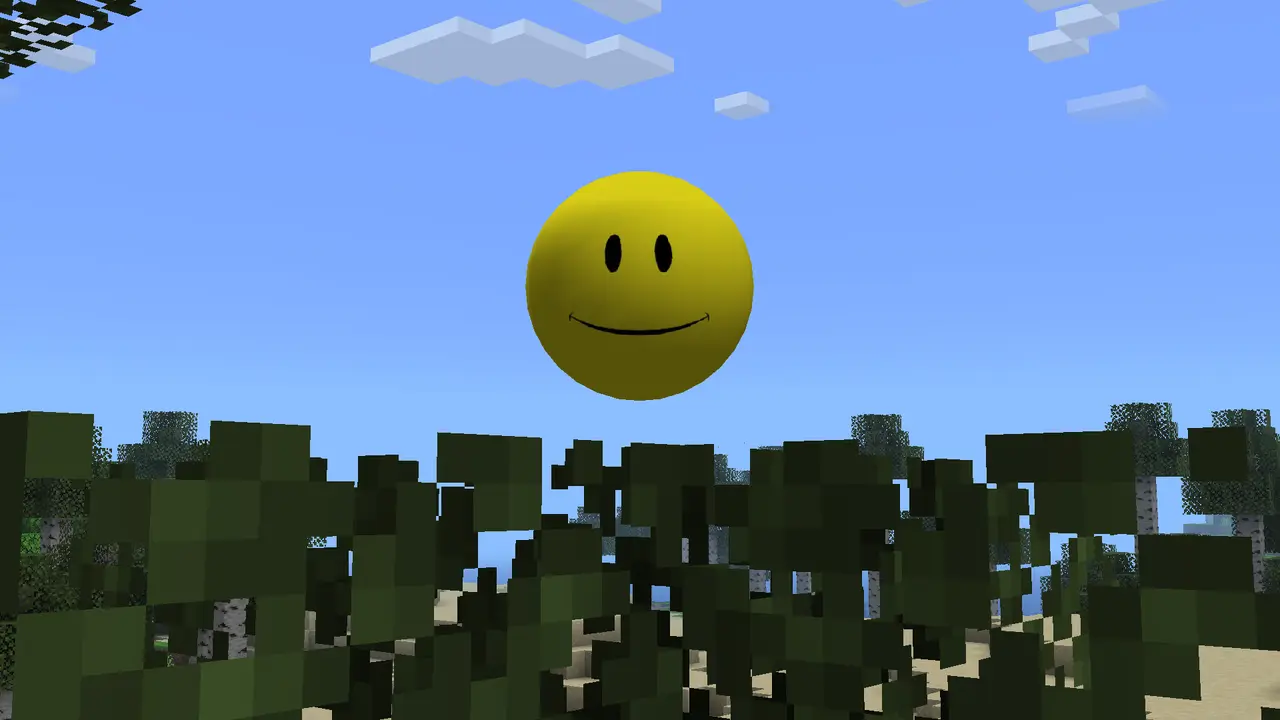
AI companion
Verity is presented as a talking helper that can react to the player and support natural conversation through the configured AI service.
 Verity Mods Wikiverified downloads and setup
Get the current Verity JE release from its published Modrinth file, then follow the exact Forge and AI setup steps needed to make Verity work. This page separates the verified Java mod from unconfirmed Bedrock downloads and unrelated remakes.
Product facts on this page were checked on August 22, 2026. Verity Mods Wiki is independent and does not claim ownership of Verity JE or Minecraft.

Verity JE v6.0.0-beta.7 · verity-6.0.0-beta.7.jar
Preparing verity-6.0.0-beta.7.jar from the verified source.
Yes. Verity JE is a downloadable Minecraft Java mod rather than only a staged video concept. Its project page says it is an official adaptation of the Verity property made with explicit permission and contractual agreement from ThatMob.
That does not make every file named Verity official. The verified release here is Verity JE for Forge on Minecraft 1.20.1. Resource packs, remakes, reposts and claimed Bedrock ports must be checked separately.
Sources and verificationProduct facts on this page were checked on August 22, 2026. Verity Mods Wiki is independent and does not claim ownership of Verity JE or Minecraft.
Create a clean Java Edition 1.20.1 installation. A newer Minecraft number is not automatically compatible.
Install the Forge loader made for Minecraft 1.20.1 and launch the profile once so its folders are created.
Place verity-6.0.0-beta.7.jar in the profile’s mods folder without renaming or extracting the JAR.
Follow the project’s Groq online or Ollama local tutorial. The companion can load while its AI functions still fail if setup is incomplete.
Confirm the title screen lists the mod, then test in a new world before opening an important save or multiplayer server.
Product facts on this page were checked on August 22, 2026. Verity Mods Wiki is independent and does not claim ownership of Verity JE or Minecraft.
Verity is presented as a talking helper that can react to the player and support natural conversation through the configured AI service.
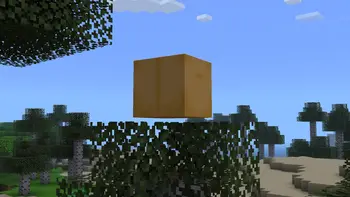
The companion arrives in a dedicated animated box that acts as part of the mod’s introduction and recognizable visual identity.

The Verity Demon, extreme darkness and scripted atmosphere changes turn the assistant concept into a Minecraft horror experience.
Product facts on this page were checked on August 22, 2026. Verity Mods Wiki is independent and does not claim ownership of Verity JE or Minecraft.
| Verity JE | Minecraft | Forge | Checked August 22, 2026 | Versions |
|---|---|---|---|---|
| v6.0.0-beta.7 | 1.20.1 | Forge | August 19, 2026 | Current |
| 5.7.2 | 1.20.1 | Forge | July 17, 2026 | Older |
| 5.6.2 | 1.20.1 | Forge | July 14, 2026 | Older |
A clear source trail matters more than a button that simply says latest, official or real.
The correct Verity Mod download should connect three facts without contradiction: the publisher, the supported platform and the exact release file. For the current Java adaptation, the published project is Verity JE, the platform is Minecraft Java Edition 1.20.1 with Forge, and the file is verity-6.0.0-beta.7.jar. If a page changes one of those details without linking to a newer project release, treat the claim as unverified.
A Verity Mod page can be useful without hosting its own mirror. This site sends the primary action to the file URL published by the Modrinth project, preserves a visible link to the source page and shows the same version facts before the countdown begins. That structure lets you compare the destination with the information on screen instead of trusting a hidden redirect.
File format is another fast check. A Minecraft Java Forge mod is normally a JAR placed in the active profile’s mods folder. It is not an EXE installer, browser extension, mobile APK or password-protected archive. The Java file also cannot become a Bedrock addon by changing its extension. Bedrock needs a separately developed package with its own publisher and compatibility evidence.
After the Verity Mod download finishes, keep the original filename and test it in a clean Forge profile. Back up important worlds, verify the mod reaches the title screen and complete the AI setup before adding unrelated mods. If the file, loader or AI connection fails, the installation and troubleshooting pages on this site separate those layers so you can fix the actual cause.
Use the verified source details before downloading, keep the original JAR filename, and test the release in a separate Forge profile before opening an important Minecraft world.
Use the verified source details before downloading, keep the original JAR filename, and test the release in a separate Forge profile before opening an important Minecraft world.
Use the verified source details before downloading, keep the original JAR filename, and test the release in a separate Forge profile before opening an important Minecraft world.
Yes. Verity JE has a published Forge project and downloadable releases for Minecraft Java 1.20.1. The project describes itself as an authorized adaptation of ThatMob’s Verity property.
The current verified Verity JE release is v6.0.0-beta.7, published August 19, 2026 for Minecraft Java 1.20.1 with Forge.
We did not find a matching first-party Bedrock release during the August 22, 2026 verification. Do not install a renamed Java JAR or an unverified MCAddon claiming to be official.
Yes. The verified Verity JE project is available on Modrinth under the slug verity-je-official. This site uses its published file URL for the Java download.
Project instructions mention using a CurseForge launcher profile, but this page’s current download and version facts were verified from Modrinth. Check project ownership carefully before trusting similarly named listings.
The verified Verity JE v6.0.0-beta.7 release is marked for Forge on Minecraft 1.20.1. Do not assume a Fabric profile will load it.
The Minecraft file and the AI connection are separate parts of setup. Recheck the configured Groq credentials or local Ollama service, network access and the project tutorial.
The Modrinth project marks both client-side and server-side installation as required. Everyone should use compatible versions, and the server should be tested with a backup first.