
As of July 23, 2026, this site could not verify a live official Verity Remake file or a stable direct download from the commonly cited CurseForge route. Historical indexes still describe the project, but an index entry is not proof that a current file is available. Do not download a re-upload merely because it uses the Remake name.
Compare Remake with verified Verity JEWhat Verity Remake is
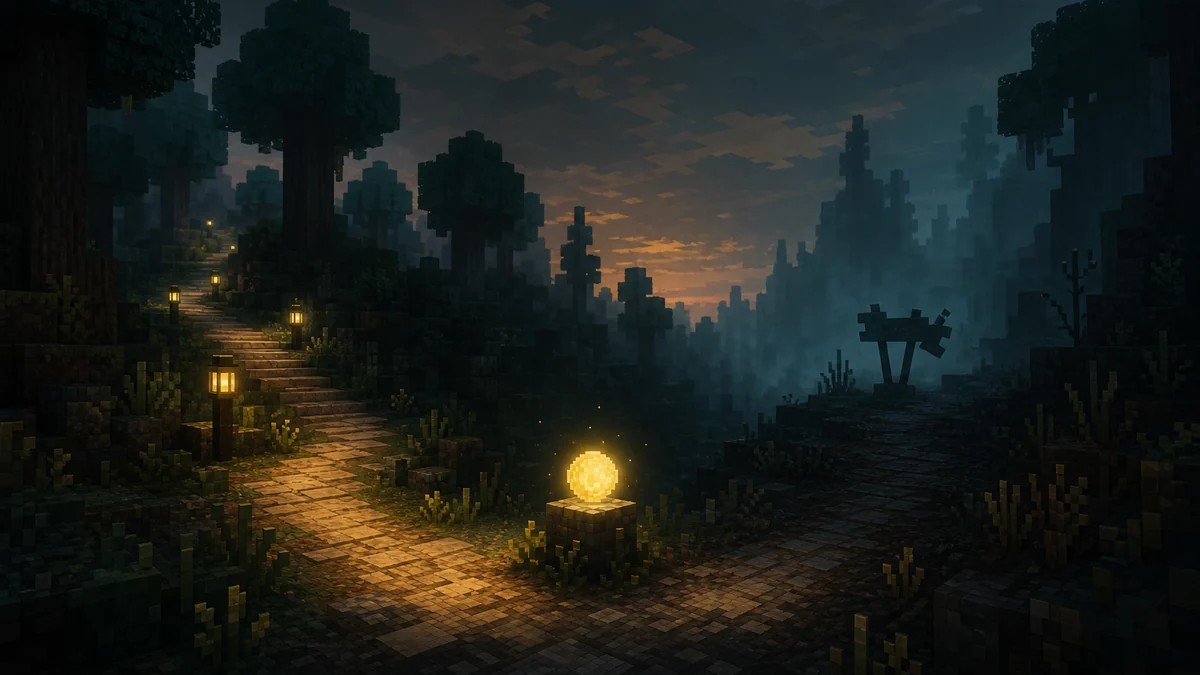
Verity Remake refers to a separate community recreation, not a patch, update or alternate filename for Verity JE. Historical directory pages associate the remake with Minecraft Java 1.20.1, Forge and GeckoLib, while describing a yellow spherical companion and horror events inspired by the wider Verity concept. Those details identify the project, but they do not make an old mirror current or authorized.
Verity JE has its own Modrinth release history, AI setup and troubleshooting path. A Remake file must be judged by its own publisher, loader, Minecraft version, dependencies and changelog. Never rename a JE file, copy JE configuration into another project or assume two projects share code because their screenshots look similar.
- Independent Java Edition recreation.
- Historical references: Minecraft 1.20.1, Forge and GeckoLib.
- Not interchangeable with Verity JE files or AI configuration.
Treat the project name, publisher, file page, loader and game version as one identity check.
Verity Remake download status on July 23, 2026
The CurseForge path most often cited for Verity Remake did not provide a stable, verifiable project file during this check. Search results and third-party indexes can keep showing an older title, version or cached description after a page changes, becomes inaccessible or stops exposing its files. That mismatch is why this page does not present a direct download button.
Historical indexes mention releases such as 1.0.0 and 1.1.0, but they are historical evidence rather than a verified latest version. We could not confirm a current release date, file size, durable JAR URL or publisher-controlled changelog from a live first-party file page. A claimed latest version on a mirror is therefore unverified.
| Field | Current finding | Publishing decision |
|---|---|---|
| Official project page | Not reliably verifiable | No direct download CTA |
| Latest version | No current first-party version confirmed | Do not label a mirror as latest |
| File size and hash | Unavailable from a live file page | Do not invent or copy them |
| Platform | Historical references point to Java 1.20.1 / Forge | Verify every new file independently |
Unavailable does not mean proven malicious or permanently deleted. It means the current source chain is insufficient for a safe recommendation.
Why an old Verity Remake link may stop working
A missing page does not reveal one certain cause. A creator may archive, rename or hide a project; a platform may review it; the slug may change; or a cached result may outlive the listing. Without a public statement from the publisher or platform, claiming a copyright strike, malware removal or creator dispute would be speculation.
Use the failure as a signal to slow down. When the source page and file history cannot be matched, screenshots, video descriptions and repost sites become weaker evidence. They can show what players previously saw, but they cannot establish who uploaded the JAR you are about to run.
- Possible but unconfirmed: archive, rename, review or publisher withdrawal.
- Not evidence: a mirror repeating the same title and thumbnail.
- Required evidence: publisher-controlled page, exact file record and matching metadata.
How to verify a Verity Remake file safely
Start from the publisher, not the filename. A trustworthy listing should identify the creator, supported Minecraft version, mod loader, dependencies, release date, file size and changelog. The final download should be a JAR delivered by that listing or its documented CDN flow. A Discord attachment or generic host is not equivalent to an official file page.
Before launching an unfamiliar JAR, compare its name and size with the source record, scan it with normal security tools and test it in a separate profile with a backed-up world. A clean scanner result reduces one risk but does not prove ownership, compatibility or good behavior. Never disable antivirus, run an EXE installer or enter an API key for an unverified package.
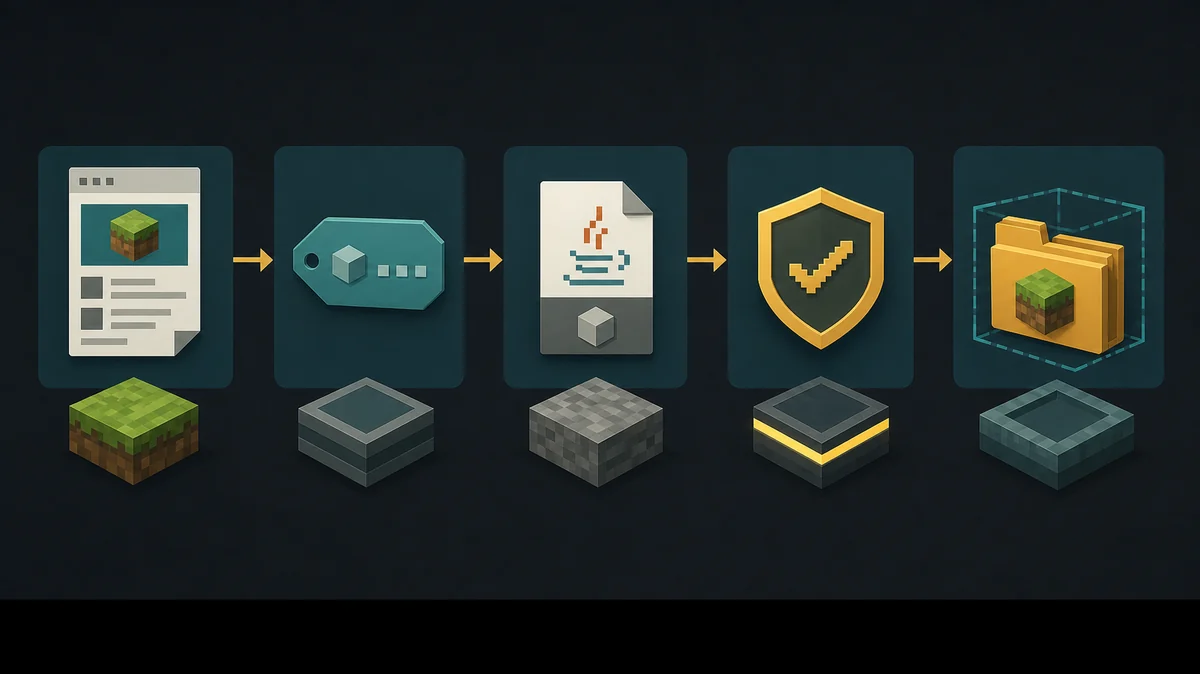
- 1
Confirm the source
Open creator-controlled project and file pages; do not begin from a mirror or shortened link.
- 2
Match compatibility
Check Minecraft version, Forge or Fabric, Java version and every dependency.
- 3
Match the file record
Compare JAR filename, size, release date and changelog with the source page.
- 4
Isolate the first run
Use a new launcher profile and a disposable test world before important saves or servers.
A Minecraft mod normally arrives as a JAR. An installer requires stronger publisher evidence than a normal mod file.
Verity Remake versus the verified Verity JE route
Players who want a traceable Verity experience currently have a stronger source chain through Verity JE. Its Modrinth page exposes a current file history, loader and game-version metadata, while this wiki documents installation, versions and AI connection troubleshooting. That does not make JE the same project; it only makes its present download state easier to verify.
Keep separate launcher profiles if you test related projects. Do not place JE and a Remake re-upload in the same mods folder, and do not copy Groq or Ollama settings unless the Remake publisher documents those features. A credible restored release should provide a stable project page, named file entry, requirements, changelog and publisher-controlled download.
- Wait for a publisher-controlled file page before choosing Remake.
- Use the verified release history if you choose Verity JE.
- Never mix the files or setup instructions from the two projects.
Verity Remake FAQ
Can I download Verity Remake right now?
This site could not verify a live first-party file on July 23, 2026, so it does not recommend a direct download. Wait for a creator-controlled project and file page.
What is the latest Verity Remake version?
Historical indexes mention versions such as 1.0.0 and 1.1.0, but no current first-party latest version was verified during this check.
Why was Verity Remake removed?
No reliable public source confirmed one reason. Archive, rename, review or publisher withdrawal are possibilities, but a specific cause would be speculation.
Is Verity Remake the same as Verity JE?
No. They are separate projects with different publishers, files, release histories and setup instructions.
Is a re-uploaded Verity Remake JAR safe?
A mirror cannot be called safe or official without matching publisher and file metadata. A clean scan alone does not prove authenticity.
Sources and verification
Product facts on this page were checked on July 19, 2026. Verity Mods Wiki is independent and does not claim ownership of Verity JE or Minecraft.