
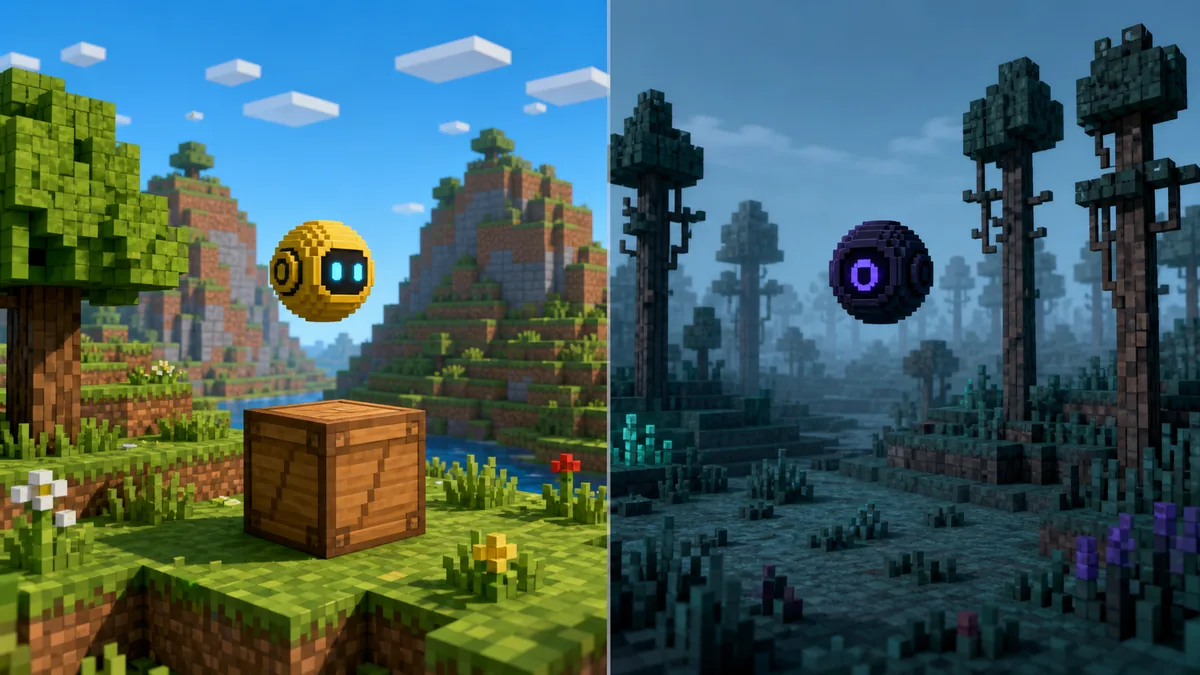
Choose Verity JE if you want the documented AI companion release with a currently verifiable Modrinth file. Treat Verity Remake as unavailable until a publisher-controlled project and file page can be verified again. Never mix files or instructions from the two projects.
Check the current Verity Remake statusVerity JE and Verity Remake are separate projects
Verity JE is the Java adaptation published on Modrinth. Its description presents the small yellow sphere, animated box, AI conversation, speech features, horror events and the Verity Demon as one connected experience. The current verified release is v6.0.0-beta.7 for Minecraft Java 1.20.1 with Forge.
Verity Remake is a separate community recreation historically associated with a CurseForge listing. Its files, dependencies and support path are not shared with JE, and the commonly cited listing was not reliably verifiable during the July 23 check.
- Verity JE source: Modrinth.
- Verity Remake source: CurseForge.
- Shared inspiration does not imply a shared codebase or release number.
Treat the project page, loader, game version and filename as one verification set.
Verity JE vs Verity Remake comparison table
The table compares facts that can be checked from current sources rather than claims copied from videos or mirrors. As of August 19, 2026, the newest verified Verity JE file remains v6.0.0-beta.7, published August 19, 2026.
The commonly cited Verity Remake route did not expose a stable first-party file during this check. Historical indexes mention 1.0.0 and 1.1.0, but neither should be presented as the current latest version without a live publisher-controlled file page.
| Check | Verity JE | Verity Remake |
|---|---|---|
| Primary listing | Modrinth | CurseForge |
| Project identity | Authorized Java adaptation described by the JE project | Independent recreation |
| Current visible version | v6.0.0-beta.7 | Not currently verified |
| AI setup | Groq / Ollama | Use remake documentation |
| Required dependency | Use JE requirements | GeckoLib |
| Best for | Documented AI companion | Separate recreation |
The gameplay and setup expectations are different
Verity JE is built around an AI companion workflow. Its guides connect the mod to a Groq API key or local Ollama model, with text tested before optional voice. Troubleshooting therefore separates Forge loading, Java memory, network access, model availability, credentials and microphone permissions.
The remake should not be judged by a JE checklist. Follow its CurseForge file and dependency notes. Do not add Groq, Ollama or JE configuration files unless the remake author explicitly documents them.
- JE issues can involve Forge, Java, APIs, models or audio.
- Remake issues start with its own file and dependency notes.
- A video of one project does not prove the other has the same feature.
Use a separate Forge profile and test world for each project.
Which Verity mod should you choose?
Choose Verity JE for the recognizable yellow companion, animated box, AI-backed conversation and the verified 1.20.1 Forge path documented on this wiki. It has the clearest end-to-end download, installation, version and troubleshooting trail.
Choose Verity Remake when you deliberately want that creator's independent interpretation. The reason should be its own current description, screenshots or direction, not a third-party claim that it is newer or more official.
- Documented AI path: Verity JE.
- Independent recreation: Verity Remake.
- Bedrock or console: neither Java JAR.
- Old video link: identify the exact project before downloading.
How to verify the correct download
Start from the project's listing rather than a repost, short link or filename copied into a video description. Check the domain, project name, author, Minecraft version, loader, dependencies, release date and final filename together.
This wiki verified Verity JE v6.0.0-beta.7 with the Modrinth API on August 19, 2026: verity-6.0.0-beta.7.jar, 257,909,430 bytes, Minecraft 1.20.1 Forge, published August 1. For Verity Remake, use the official CurseForge project page because a stable unauthenticated direct file URL could not be verified.
- 1
Confirm the domain
Use modrinth.com for JE or curseforge.com for the remake.
- 2
Match version and loader
A Forge JAR is not compatible with Fabric, Bedrock or another game version.
- 3
Read dependencies
Install only dependencies named by the same project file.
- 4
Test cleanly
Use a new profile and backup world before adding other mods.
Can you install both at the same time?
Do not put both projects into the same main profile unless both authors explicitly document compatibility. They may register overlapping entities, sounds, assets, commands or event handlers, creating failures that are hard to attribute.
Use two isolated profiles with separate test worlds and only each project's required dependencies. Keep a backup before opening an important world with any horror mod that can alter blocks, entities, darkness or scripted events.
Compatibility between JE and the remake is not verified.
Verdict: compare the source, not just the name
Verity JE vs Verity Remake is ultimately a project-identification decision. JE has its own 1.20.1 Forge release and AI workflow; the remake has a different creator, file history and dependency set. Their version numbers and support claims are not interchangeable.
If you are unsure, begin with Verity JE because its current file and setup can be verified end to end. Move to the remake only when you specifically want that project and have checked its latest file page.
Verity JE vs Verity Remake FAQ
Is Verity Remake the same mod as Verity JE?
No. They are separate projects with different listings, creators, files and support paths.
Which one is the official Verity mod?
The Modrinth project describes Verity JE as the authorized Java adaptation; the CurseForge page describes the remake as an independent recreation.
Why did the old Verity mod get removed?
Older videos may point to a different or retired listing. Current JE and Remake pages should be checked separately.
Does Verity Remake use Groq or Ollama?
Do not assume it does unless the remake author explicitly documents that integration.
Can I install both together?
Compatibility is not verified. Use separate profiles and worlds.
Which download is safer?
Use the current first-party page and match the author, version, loader, dependencies and filename.
Sources and verification
Product facts on this page were checked on July 19, 2026. Verity Mods Wiki is independent and does not claim ownership of Verity JE or Minecraft.