
The Verity Mod works by combining a Minecraft Java Forge mod with a companion entity, scripted world events and a separate AI conversation path. Minecraft and Forge load the JAR, Verity JE controls entities and atmosphere, and Groq or Ollama can provide text responses. Voice, multiplayer, Bedrock listings and dramatic video scenes add different dependencies, so one working layer does not prove that every other layer is configured.
Check the verified Java installationHow does the Verity mod work? The short answer
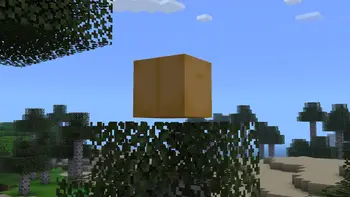
How does the Verity mod work in practical terms? Start with Minecraft Java Edition and a compatible Forge profile. The Verity JE JAR is loaded as a normal mod, then its code adds the yellow companion, the animated arrival box and the horror systems described by the project. The companion can be present before an AI request succeeds, because rendering and event logic are game-side while language generation uses a provider connection.
That separation explains why two players can report different symptoms. A player may see Verity but receive no reply when Groq or Ollama is unavailable. Another player may have text replies but no speech because microphone, speech recognition or text-to-speech is a separate audio path. A video can show a dramatic event that depends on a particular release, world state, prompt or extra mod. The safest explanation is therefore a model of the layers, not a promise that one command controls every scene.
The official project page says the Java adaptation was created with explicit permission from ThatMob and lists an AI helper, an animated box, Verity Demon and gameplay changes such as extreme darkness. This article uses those published boundaries. It does not treat an unofficial download, a renamed JAR or an edited video as proof of a hidden feature.
- Minecraft Java and Forge provide the loader and game runtime.
- Verity JE adds the companion, box, demon and scripted atmosphere.
- Groq or Ollama supplies the conversational AI layer when configured.
- Microphone, speech and multiplayer add independent failure points.
- The installed release and its source define what can be reproduced.
The four layers that make Verity run
The easiest way to understand how does Minecraft Verity Mod work is to follow one request through four layers. First, the Java launcher starts Minecraft 1.20.1 with Forge. Second, Forge discovers the Verity JE JAR and registers its entities, screens and event handlers. Third, Verity presents a companion and interprets game state through the mod logic. Fourth, a configured AI provider receives text and returns a response that the mod can display or route into the next feature.
These layers are related but not interchangeable. Changing the loader cannot repair an invalid API key. Installing a speech package cannot make a missing JAR appear in the Mods list. Giving a server operator permission does not turn an AI prompt into a documented Verity slash command. A clean test world is useful because it lets you check each layer without shaders, resource packs, unrelated horror mods or an old save changing the result.
A useful diagnostic note records the Minecraft version, Forge version, exact JAR filename, other enabled mods, provider choice and the first visible symptom. If the title screen crashes, start with Java, Forge and dependencies. If Verity is absent from the Mods list, check the active profile and mods directory. If the companion appears but text is silent, move to the provider layer. This order prevents a vague reinstall from hiding the real boundary.
| Layer | What it owns | What it does not prove |
|---|---|---|
| Minecraft and Forge | Loads the Java profile and mod classes | That an AI provider or server is ready |
| Verity JE | Creates entities, visuals and scripted events | That every video scene is available |
| AI provider | Generates conversational text | That voice or operator commands work |
| Network and audio | Carries requests, microphone input and speech output | That a local world and server share settings |
The current verified page is a Java Forge project. A Bedrock listing uses another package model and must be checked independently.
How AI conversation reaches the game
The AI part of Verity is a request and response path inside the loaded mod. You type or otherwise provide a message, Verity sends it through the configured provider, and the returned text is shown as a companion reply. The Modrinth project describes Groq as the online AI route. A local Ollama route can keep model processing on the same computer, but it still depends on a running service, a compatible model, a port and enough hardware. The exact settings belong to the installed release and should be copied from its source instructions.
AI generation does not replace Minecraft's event system. A response can be unavailable while the companion, box or atmosphere remains visible. Conversely, a text response can succeed while a microphone or text-to-speech output fails. Treat a request as a narrow test: send one harmless sentence, note the provider, check the log and repeat once after a restart. Do not paste API keys, passwords, private server addresses or personal microphone details into chat or a public bug report.
The project says its AI supports all languages, while speech-to-text and text-to-speech were tested in English. That distinction matters. Text language support describes the conversation layer; it is not a guarantee that every microphone language, voice model or audio device behaves the same way. When text works but speech does not, continue with the voice guide rather than changing the Minecraft JAR. When text fails, check the endpoint, model, firewall and redacted error before touching audio.
- 1
Choose one provider
Use the documented Groq or Ollama path and record which one is active.
- 2
Send a short text request
Use a harmless sentence so a network, model or authentication error is easy to identify.
- 3
Check the response and log
Separate an empty response from a visible game event and save only a redacted error line.
- 4
Add voice later
Test microphone, speech recognition and TTS only after text replies are repeatable.
How the companion becomes a horror system
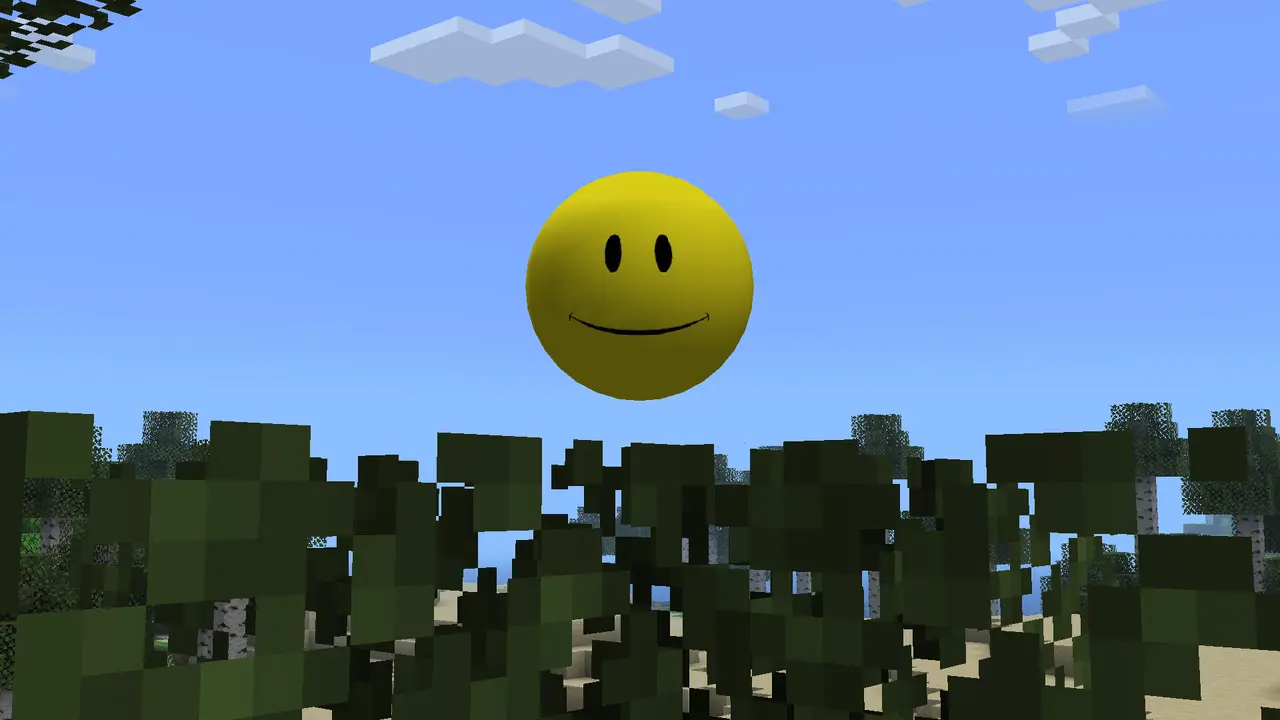
Verity is not only a chat window. The project describes a small helper friend, an animated box and a Verity Demon, along with changes that can strongly affect ordinary gameplay such as extreme darkness. Those elements are implemented by the mod and can be staged around the companion relationship. The result feels like a system because the player sees a persistent entity, receives language responses and then encounters world changes that belong to Minecraft logic.
The word system does not mean every event has one public command or a guaranteed timer. A release may use conditions that are not exposed as a user-facing list. A video may include a custom prompt, editing, a private build, a resource pack or another mod. A third-party guide may describe a different Verity project or a Bedrock add-on. When a scene matters, compare the installed version and public source before assuming that a dramatic clip is a reproducible feature.
Explore the horror layer in a disposable world. Back up important saves, change one variable, and stop if an event behaves differently from what you expected. An external installer asking for administrator access, a renamed executable or a request for credentials is not part of the normal Minecraft event chain. World effects should be investigated through the mod, version and logs; security warnings should be handled as a separate trust decision.
- The companion and box are visible game entities, not proof of a cloud connection.
- Darkness and demon behavior are project features, but timing can vary by release.
- Edited videos and private settings are evidence of a scene, not universal syntax.
- A disposable world and backup make event testing reversible.

Why videos and mods can look different
Searches for how does Verity Mod work often mix the authorized Java adaptation with Bedrock add-ons, fan projects, remakes and videos. Similar names do not establish shared ownership or identical behavior. A Java Forge JAR cannot be turned into a Bedrock add-on by renaming its extension. A remake can copy the yellow companion idea while using different code, versions, commands and AI settings. Start by identifying the edition, loader, file source and publication date.
Video evidence is useful for understanding the intended mood, but it is incomplete technical documentation. A creator may cut waiting time, combine several worlds, use a private configuration or add voice and editing outside the mod. If a video claims that Verity remembers a detail, controls a rule or triggers a demon on demand, reproduce the smallest safe part in a clean profile and compare it with the current project description.
The distinction also protects multiplayer players. A server may require the same mod and loader on client and server, while the AI provider may run per client or follow a documented server design. Do not distribute a private key inside a modpack. First establish what works locally, then compare server files, dependencies and logs. The troubleshooting and multiplayer pages own those detailed repair paths.
| Evidence | Useful for | Limit |
|---|---|---|
| Modrinth project page | Project identity, features and stated setup | May not list every trigger or private setting |
| A current JAR and log | Reproducing a local behavior | Only describes that installed release |
| A gameplay video | Mood, visuals and an example scene | May include edits, prompts or extra mods |
| A Bedrock or remake listing | A separate project check | Does not prove Java parity |
When sources disagree, keep the narrower claim: name the edition and release, state what was verified, and mark unknown triggers as unknown.
A safe way to test each layer
A short controlled test answers more than a long session with many changes. Launch Minecraft Java 1.20.1 and Forge in a profile that contains one verified Verity JE JAR. Create a new world, keep important saves closed and disable unrelated experimental mods. Confirm that the game reaches the title screen and that Verity appears in the Mods list. Only after that baseline should you look for the companion or the animated box.
Next, test the AI with one short text request. Write down whether it replies, which provider was selected and what the log says. If the request fails, do not change voice, shaders and the JAR at the same time. Check the provider service, model, network and credential storage. If text succeeds, test audio separately, then test a documented event or prompt in the disposable world. Restore the backup if the world becomes hard to interpret.
Finish by repeating the working path after a restart. This gives you a known-good comparison for updates, multiplayer or a new computer. A compact record should include the date, release label, Minecraft and Forge versions, provider, enabled mods and exact symptom. Redact credentials and private paths before sharing it. The point of this test is not to force a horror scene; it is to learn which layer produced the result.
- 1
Create a clean baseline
Use one Java Forge profile, one Verity JAR and a new world.
- 2
Confirm game-side loading
Check the Mods list, title screen, companion and box before configuring optional services.
- 3
Test text AI
Send one short request and compare the visible reply with the sanitized log.
- 4
Test optional layers
Add audio, events and multiplayer one at a time, keeping a backup and notes.
Limits: Java, voice, multiplayer and updates
The verified page used for this guide describes a Minecraft Java Forge project. Java compatibility, Forge version and the current JAR therefore come first. Bedrock availability is a separate package and attribution question; use the Bedrock status page rather than assuming that a similarly named listing is the same code. Fabric, NeoForge and server hosts likewise need their own source evidence.
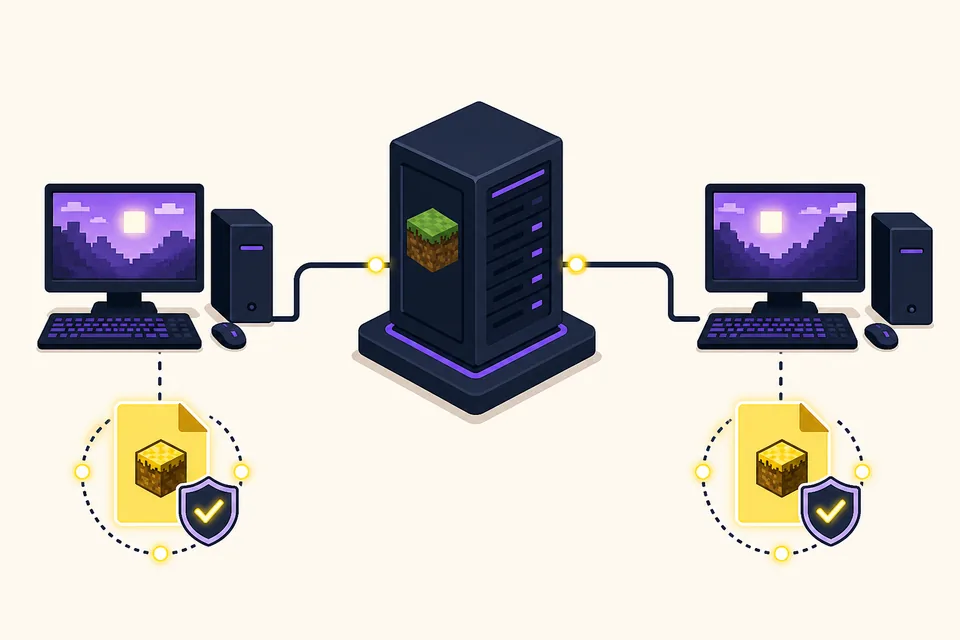
Voice is an optional path after text AI. Microphone permissions, speech recognition, text-to-speech, output devices and language coverage can each fail independently. Multiplayer adds matching client and server files, network reachability and hosting policy. None of these is repaired by an imaginative AI answer. Use the specialist pages when the question becomes installation, voice, multiplayer, Aternos or troubleshooting.
Finally, behavior can change when a new release changes the JAR or project settings. Check the version tracker, back up the world and repeat the small baseline before replacing a working profile. This is the durable answer to how does the Verity mod work: identify the edition and loader, separate game logic from AI and audio, verify the current source, and treat every dramatic result as a claim that needs the right evidence.
- Java Forge compatibility is the starting contract for Verity JE.
- Text AI, voice and TTS are different services and should be tested separately.
- Multiplayer requires matching files and a deliberate credential design.
- Version changes can alter behavior, so back up and retest after updates.
- Unverified Bedrock, remake and video claims stay outside the Java feature boundary.
This independent guide explains the public mechanism. The project source remains the authority for release-specific setup and changes.
How Does the Verity Mod Work? FAQ
Is Verity Mod a real AI or only scripted dialogue?
The public Java project describes an AI-powered personal assistant and a Groq setup path, while the mod also contains game-side entities and events. AI conversation and scripted Minecraft behavior are connected but not the same layer.
What does Verity Mod do in Minecraft?
Verity JE adds a yellow companion, an animated box, the Verity Demon and gameplay changes such as extreme darkness. The exact timing and triggers depend on the installed release and world state.
Does Verity need Groq or Ollama?
The conversation layer needs a configured AI route. The project page describes Groq for online AI; an Ollama setup is a local alternative when its service, model and hardware requirements are met.
Why can I see Verity but receive no reply?
Rendering and scripted events can load while the provider request fails. Check the selected service, model, endpoint, network, credentials and redacted log before changing voice or the Minecraft profile.
Does a video prove that a Verity event or command exists?
No. A video can use a different release, private setting, prompt, edit, resource pack or extra mod. Reproduce a small claim in a backed-up clean world and compare it with the current project source.
Can the Java JAR run on Bedrock?
No. A Forge JAR and a Bedrock add-on use different package systems. Check the independent Bedrock status and source evidence instead of renaming the file.
Is this an official Verity Mod manual?
No. Verity Mods Wiki is an independent guide. It links to the public project and separates verified source facts from videos, remakes and unverified listings.
Sources and verification
Product facts on this page were checked on July 19, 2026. Verity Mods Wiki is independent and does not claim ownership of Verity JE or Minecraft.