
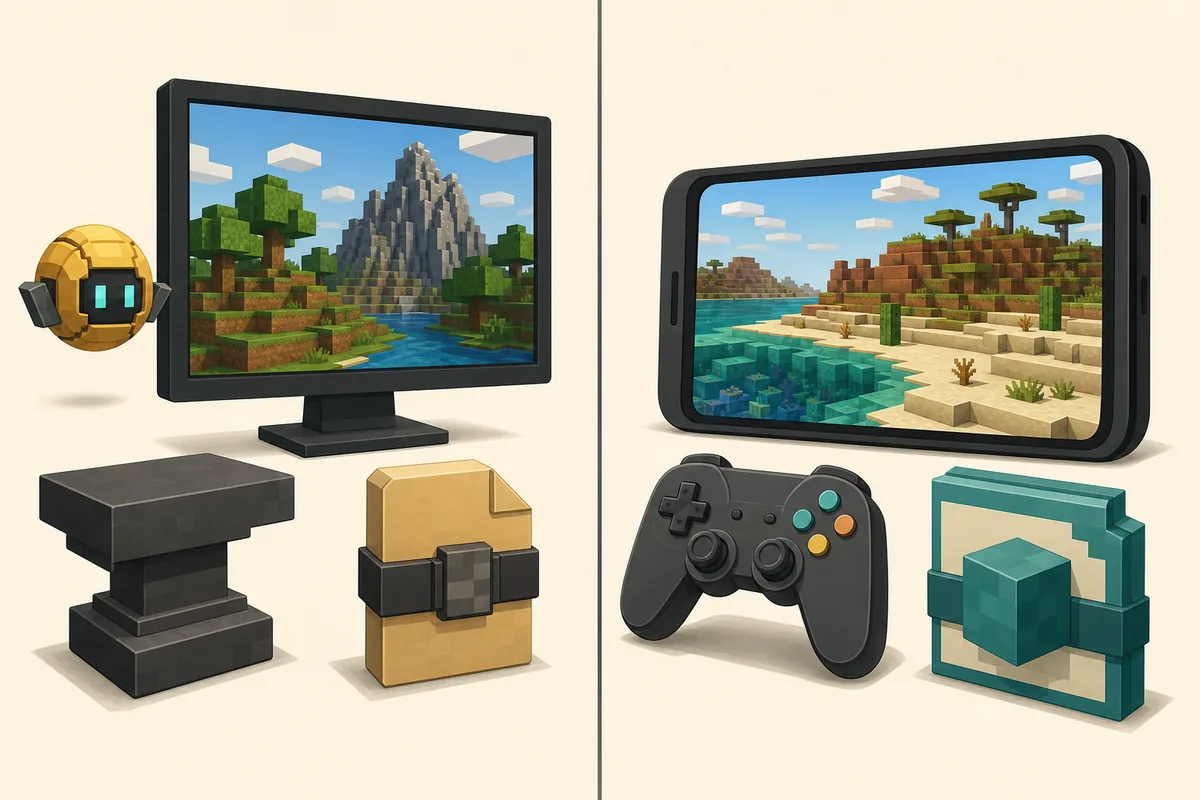
For the verified release, choose Minecraft Java Edition: Verity JE v6.0.0-beta.7 was published August 19, 2026 for Minecraft Java 1.20.1 with Forge as verity-6.0.0-beta.7.jar, 257,909,430 bytes. It is not a Bedrock addon and must not be renamed or repacked. CurseForge currently shows separate pages named Verity - Bedrock Edition and Verity BE (Official), but their pages do not by themselves prove the same authorization, package or feature parity.
Review Verity JE requirementsQuick answer: Java v6.0.0-beta.7 and Bedrock are separate paths
The verified Modrinth release targets Minecraft Java Edition 1.20.1 with Forge. The published file is verity-6.0.0-beta.7.jar, released August 22, 2026 and checked here on August 22, 2026. Modrinth metadata marks the Java mod for both client and server installation.
Bedrock is not a different filename extension for the same code. A Bedrock player needs a Bedrock-specific package, publisher and compatibility record. The two CurseForge pages below are source references, not proof that either one is the authorized Java project.
Use the Java route when you want the verified v6.0.0-beta.7 release. Treat a Bedrock listing as a separate project until its publisher and authorization are independently clear.
Verity JE vs Bedrock comparison table
The platform choice is visible in the file and loader metadata before installation. Matching only the name “Verity” is not enough because a Java JAR, a Bedrock add-on and a community remake can have different owners and capabilities.
| Check | Verity JE v6.0.0-beta.7 | Bedrock path |
|---|---|---|
| Edition | Minecraft Java Edition | Minecraft Bedrock Edition |
| Game version | 1.20.1 | Use the exact version named by the listing |
| Loader / runtime | Forge | Bedrock runtime and add-on system |
| Package | verity-6.0.0-beta.7.jar / 257,909,430 bytes | .mcaddon, .mcpack or another listing-defined package |
| Verified source | Modrinth release AcPvfTsy | Separate CurseForge listing pages; authorization not merged |
Why a Forge JAR cannot run on Bedrock
Minecraft Java mods run through Java-side loaders such as Forge. Bedrock uses a different engine, scripting model and package format. Changing .jar to .mcaddon changes a label, not the code, APIs or assets inside the file.
Do not import verity-6.0.0-beta.7.jar into Bedrock, extract it into a resource-pack folder or use a conversion page that promises the same AI companion without a publisher-controlled release. A real port would need its own Bedrock implementation, supported-version statement and source trail.
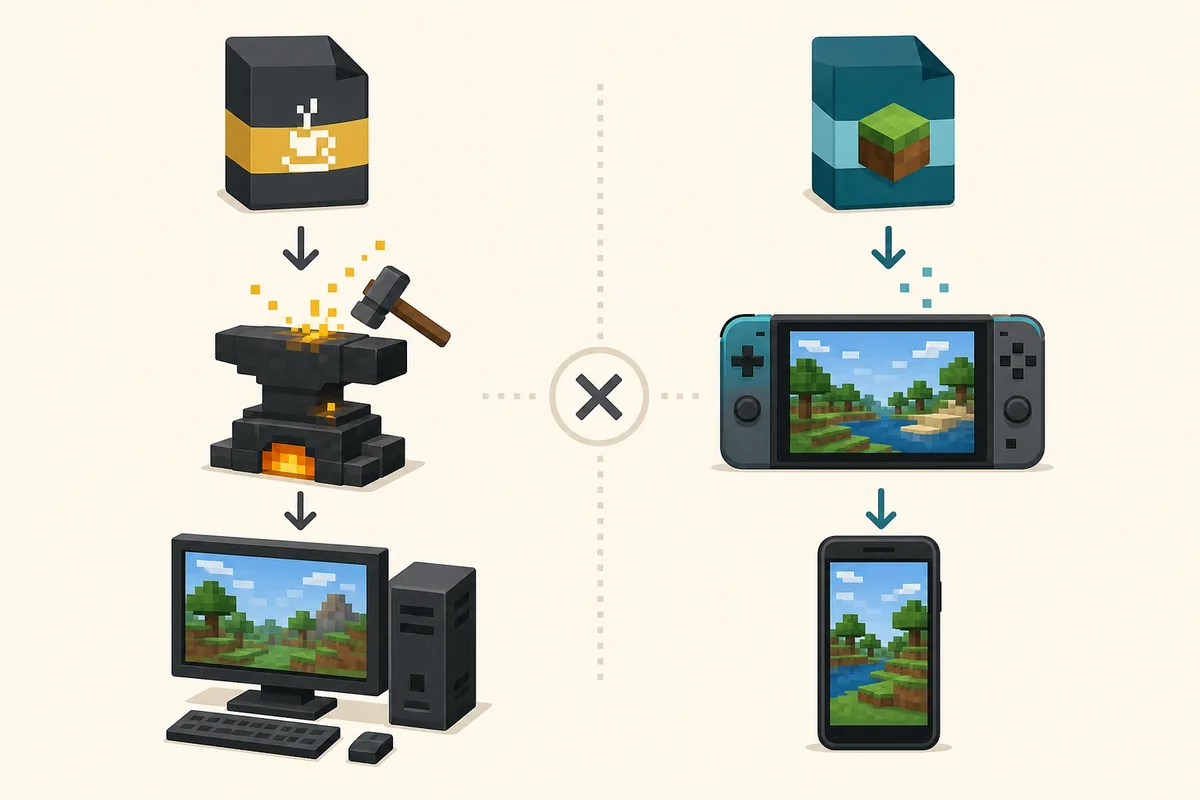
What the current Bedrock listings actually mean
CurseForge exposes separate pages titled Verity - Bedrock Edition and Verity BE (Official). We preserve those names as claims made by the listing pages, not as proof that they share the Modrinth project’s authorization, files or feature roadmap.
If you inspect either page, record the publisher, package extension, supported Bedrock versions, update date, changelog and source relationship. Do not use a self-applied “Official” label as a substitute for evidence, and do not invent a stable direct file URL when the listing page is the verifiable fallback.
- Open the listing page rather than a shortened mirror link.
- Check the exact publisher and whether the Verity property relationship is documented.
- Confirm the package type and supported Bedrock devices or versions.
- Use a new world and keep a backup before testing an unfamiliar addon.
Which Verity path should you choose?
Choose Java Edition on a supported computer when you want the verified Verity JE v6.0.0-beta.7 Forge path, the Modrinth release record and the project’s Groq or Ollama setup guidance. Follow the Java requirements and installation pages instead of guessing from a video thumbnail.
Choose a Bedrock listing only when you understand that it is a separate platform entry. Bedrock-only players on mobile, console or Windows Bedrock should evaluate the listing’s own claims and should not expect Java Forge behavior, identical AI integration or multiplayer compatibility with the Java release.

Safe source checklist before downloading
Compare the platform, version, loader, filename and publisher as one set. A page that says latest or official but changes the edition, file type or source without evidence should be treated as unverified.
For the Java path, the current facts are Modrinth project verity-je-official, release AcPvfTsy, Minecraft Java 1.20.1, Forge, verity-6.0.0-beta.7.jar and 257,909,430 bytes. For Bedrock, use the listing page as a source fallback and keep its claims separate until authorization and package evidence align.
- Java: Modrinth project, v6.0.0-beta.7, Minecraft 1.20.1 and Forge.
- Bedrock: listing publisher, package type and exact supported version.
- Never rename a Java JAR into an MCAddon or APK.
- Back up worlds and test in an isolated profile or world.
- Keep API keys, account passwords and private server details out of screenshots and logs.
Verity JE vs Bedrock FAQ
Does Verity JE v6.0.0-beta.7 work on Bedrock?
No. Verity JE v6.0.0-beta.7 is a Forge JAR for Minecraft Java 1.20.1. Bedrock cannot load Java Forge mods.
Are the CurseForge Bedrock pages the same as the Modrinth Java project?
They are separate listing pages. Their names do not prove shared ownership, authorization or feature parity with Verity JE v6.0.0-beta.7.
Can I convert verity-6.0.0-beta.7.jar into an MCAddon?
No. Renaming or repacking the JAR cannot translate Java mod code into Bedrock behavior and resource-pack systems.
What is the verified Verity JE v6.0.0-beta.7 file?
The checked release is verity-6.0.0-beta.7.jar, 257,909,430 bytes, published August 19, 2026 for Minecraft Java 1.20.1 with Forge.
Which platform should I choose for multiplayer?
Choose the platform your server and clients support. The verified Java path requires matching Java, Forge and Verity JE files on the client and server.
Sources and verification
Product facts on this page were checked on July 19, 2026. Verity Mods Wiki is independent and does not claim ownership of Verity JE or Minecraft.