
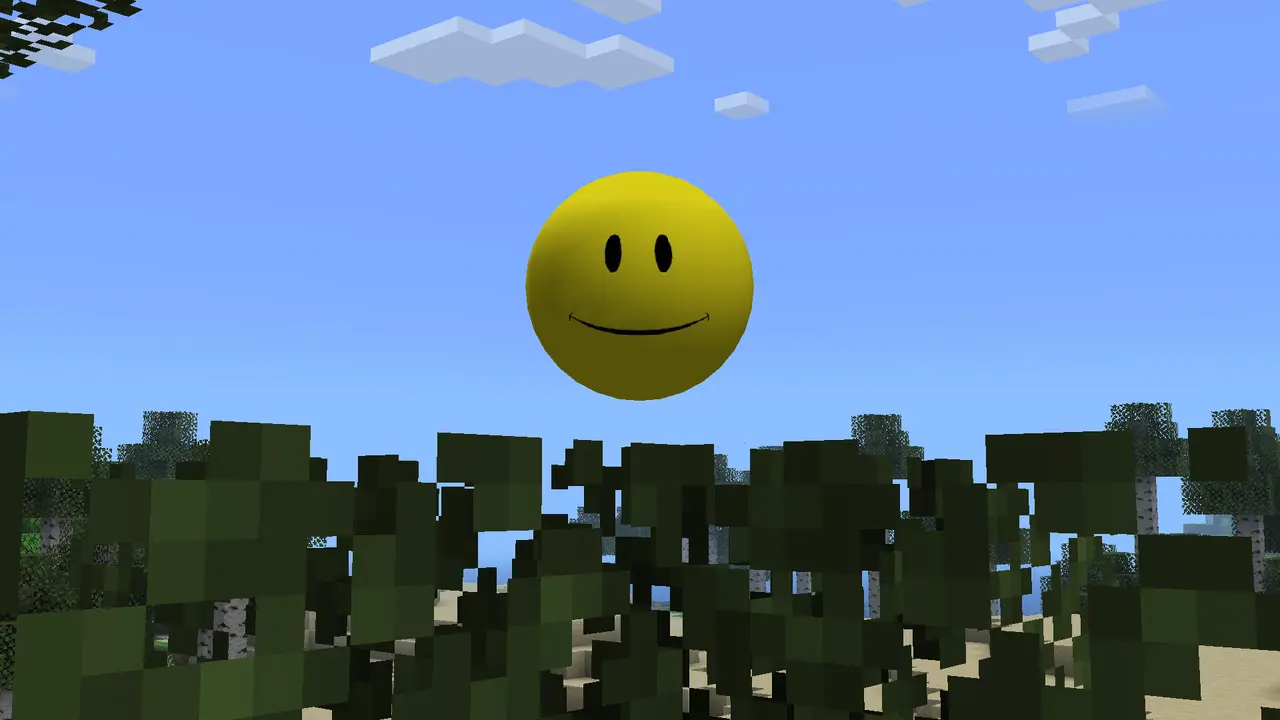
The safest answer is that OhnePixel used a Verity Minecraft experience based on the viral ThatMob concept, while the exact package in the public clip is not independently identified. The verifiable project is Verity JE, an official Java Edition adaptation published with explicit permission from ThatMob. Do not download a file simply because a page claims it is the one from the video.
Read the verified Verity JE requirementsThe short answer: the video does not prove a separate mod name
The question “what Verity Mod did OhnePixel use?” sounds as if one exact JAR should be easy to identify. Public evidence is narrower. The searchable video record identifies a long Minecraft Verity stream by OhnePixel, and short-form posts show the creator interacting with the yellow AI character. The accessible video metadata does not publish a file name, Modrinth version ID, CurseForge project ID or a checksum that would let a reader reproduce the package exactly.
That means a confident answer such as “it was definitely package X” would be a guess unless the creator or project team links the file directly. A clip can combine a public mod with a private build, configuration changes, extra mods, edited footage or a different release. The visual resemblance is useful for finding the topic, but it is not a software identity record.

What the OhnePixel video record actually tells us
The retrieved video record is titled “EXTREME MINECRAFT VERITY MOD” and is attributed to OhnePixel. It includes the creator's public channel links and a long runtime, which is enough to connect the clip to the creator rather than to an anonymous re-upload. A TikTok result also labels a short clip “Verity mod in Minecraft,” so the association is not based on a random download page.
The same record does not provide the technical fields needed to identify a release. There is no public package hash, loader declaration, Minecraft version, dependency list or stable download link in the accessible metadata. The transcript excerpt describes setup effort and says an earlier mod was replaced, but it still does not state the final project's canonical name. Treat those comments as context, not as a release manifest.
Use the evidence table below when a video page, social clip and download listing make different claims. The source type determines what can safely be concluded.
| Evidence | What it supports | What it cannot prove |
|---|---|---|
| OhnePixel video metadata | The creator published or streamed a Verity Minecraft experience | The exact JAR, version or private configuration |
| Short social clip | A recognizable Verity visual and creator association | That the clip used the same files as a public download |
| Modrinth Verity JE page | A named, documented Java project and feature boundary | That it is the exact private setup used in every clip |
| GitHub VerityCraft repository | The official-adaptation claim, setup notes and credits | A guarantee that an old mirror is safe or current |
Why Verity JE is the verifiable Java project
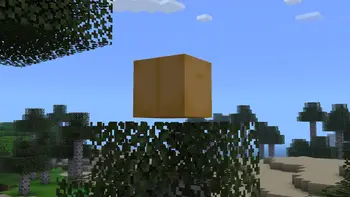
The Modrinth project describes Verity JE as a small yellow AI companion for Minecraft Java Edition. It says the project recreates the video concept made by ThatMob and was created with explicit permission and contractual agreement. The companion, animated box, Verity Demon, extreme darkness and other scripted changes are listed as project features, so the relationship to the viral videos is documented rather than inferred from a thumbnail.
The repository gives the same boundary in plainer technical language: the Java adaptation uses an AI service, adds the companion and gameplay mechanics, and is licensed as an official adaptation. It also explains that the text AI path and voice path have different tested coverage. Those details make the project auditable even though they still do not reveal a private creator configuration.
For readers trying to reproduce the feel of the clip, this is the right source trail: start with the Verity JE project page, check the release record and required files, then follow the clean Java and Forge setup. A page that offers an unnamed EXE, a renamed ZIP or a “secret OhnePixel download” without a first-party project link is not an equivalent source.
How to read claims about the mod used in a video
A creator-specific question needs a creator-specific source. First look for a direct link in the video's description, a pinned comment or the creator's official profile. A project page is stronger than a search snippet because it can show the owner, loader, release history and required files. If the link only points to a generic “free download” page, the claim is still unverified.
Next compare the technical identity. A Java Forge JAR, a Bedrock add-on, a resource pack and a server-side plugin are different package types. The same yellow character can appear in edited footage or in multiple projects. Match the platform, Minecraft version, loader, file name, dependency list and release page before treating two screenshots as the same installation.
Finally check the date. A video from October 2026 can show a build or configuration that is no longer available, while a current release page can change its file without changing the feature description. The answer should preserve that uncertainty instead of quietly converting an old clip into a promise about today's download.
- Direct creator or project link, not an anonymous mirror.
- Named platform, Minecraft version and loader.
- Release record with a stable project or version page.
- Required files and dependencies that match the instructions.
- A date and checksum when a release is being compared.
Never run an executable or disable security because a download page says it is the OhnePixel mod. Return to the named project and keep a backup of any world used for testing.
A five-step way to test the verifiable project
Use this sequence when the goal is to experience Verity rather than prove an unlisted creator build. Each step leaves a small piece of evidence, so you can stop safely when a layer fails instead of downloading another mirror.
Start with the project and release pages linked in the Java guide. Confirm the supported Minecraft and Forge combination, download only the named files, and keep the original file name. Do not mix an old JAR with a current dependency or add a second Verity file to the same profile.
Launch a new local world before adding servers, shaders or extra horror mods. Confirm that the mod loads and that the documented companion and box appear. Then configure the text AI path and test one short prompt. Voice, multiplayer and dramatic events come later, after the basic layer works.
- 1
Save the source record
Open the linked Verity JE project and release page; note the file name, loader and date before downloading.
- 2
Create a clean profile
Use the supported Java and Forge profile with one Verity file and a new world.
- 3
Check the mod layer
Verify the companion, animated box and normal launch before configuring AI.
- 4
Test text AI
Use Groq or Ollama according to the project instructions, then send one harmless prompt.
- 5
Add complexity slowly
Only after solo text testing should you add voice, other mods or multiplayer.
When your game does not match the OhnePixel clip
If a page claims that a hidden command, private model or exact video event is guaranteed, ask for a first-party source and a version record. Without both, label the claim as a community theory. The official project and the release page remain the safer references for reproducible behavior.
Bottom line for the “what Verity Mod did OhnePixel use” search
The public record supports a careful answer: OhnePixel streamed a Verity Minecraft experience connected to the viral concept, but the accessible video record does not identify an independently verifiable package name or checksum. The project that readers can verify is Verity JE, the official Java adaptation documented by Modrinth and the VerityCraft repository.
That distinction is useful. It gives players a real source to inspect without pretending that a public clip is a release manifest. It also protects the searcher from fake “celebrity mod” downloads that copy a thumbnail, request unnecessary permissions or bundle unrelated files.
- Public clip: confirms the Verity experience and creator association.
- Exact package: not proven by the accessible metadata checked for this guide.
- Verifiable route: Verity JE for Minecraft Java Edition.
- Safe action: use the named project, a clean profile and a disposable world.
OhnePixel Verity Mod FAQ
What Verity Mod did OhnePixel use?
The public video record confirms a Verity Minecraft experience but does not publish a package name, version ID or checksum. The verifiable public Java project is Verity JE, but the exact creator configuration remains unconfirmed.
Is Verity JE the mod in OhnePixel's video?
Verity JE is an official Java adaptation of the ThatMob Verity property and matches the documented concept. The accessible video metadata does not prove that every clip used the same public release, so treat the identification as a careful source match rather than a guaranteed private-build claim.
Where can I find the real Verity Mod?
Start with the Verity JE project and release records linked from the Java guide. Avoid mirrors that do not name the project, loader, version and required files.
Did OhnePixel use a private Verity build?
It is possible, but the checked public record does not establish that fact. A private build, extra mod or edited scene should be treated as an unverified explanation until a first-party source confirms it.
Can I reproduce the video events exactly?
Not necessarily. Events can depend on release, configuration, prompts, extra mods, world state and editing. Test the documented feature set in a clean world and keep backups instead of expecting every scene to repeat.
Sources and verification
The video and project sources were checked on November 5, 2026.